
Admissions or students: what is the difference?
Why SkoolBro keeps applicants and enrolled students in separate lists, and how an application becomes a student in one step.
AI in education
Each school day the AI admissions agent lists the follow-ups that are due, the applications waiting for review, the tests and interviews coming up and the offers with no answer. Admissions staff hear about their own campuses, and follow-up messages to parents wait in Messages to approve.
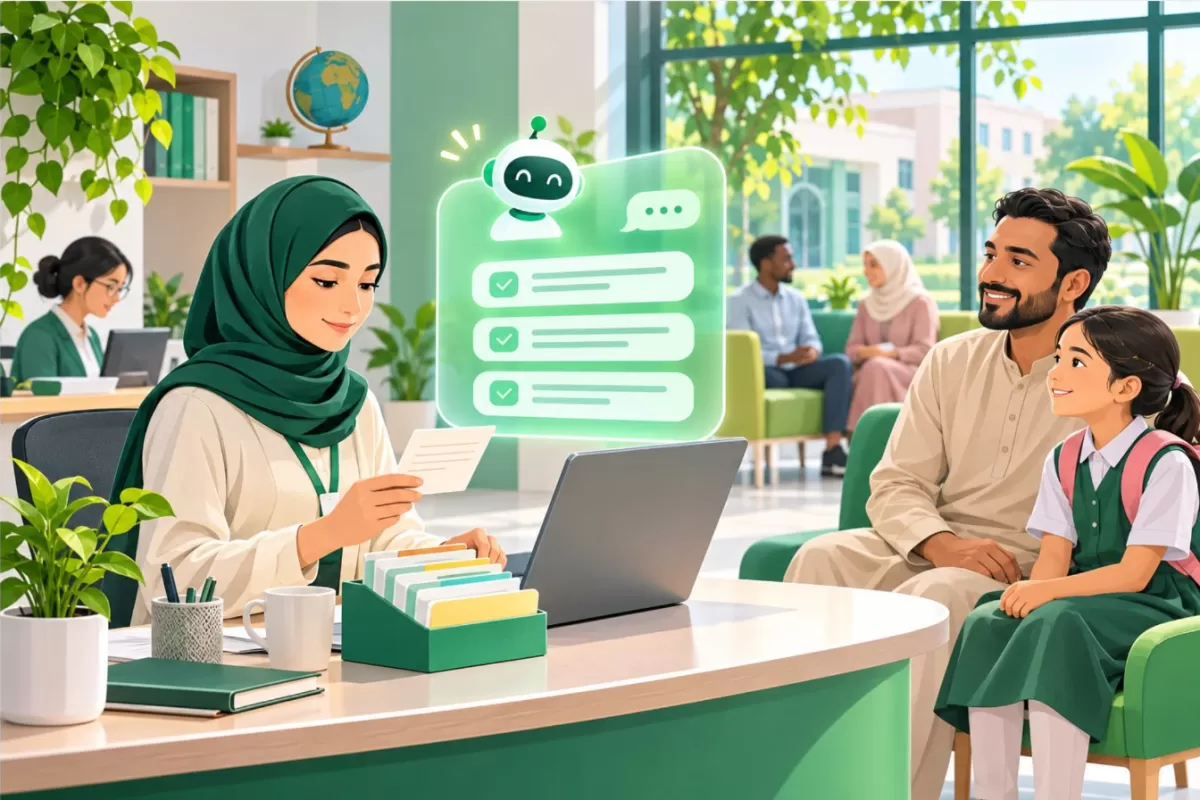
An admissions office loses families in the quiet weeks between an inquiry and a decision. A follow-up date passes during a busy week, an application waits for review longer than anyone meant, or nobody reminds a parent about Saturday's admission test. The AI admissions agent checks your inquiries and applications every school day, tells the people who work admissions what needs doing, and drafts follow-up messages to parents for a person to approve.
SkoolBro finds the follow-ups in code from your admissions records, never with the AI:
Closed and converted inquiries, and applications that were rejected, withdrawn or enrolled, never need a follow-up.
On school days when something is due, people who follow up inquiries get a notice about the inquiries at the campuses they can see. By default these are the owner, School Admins, Admission Officers and Receptionists. People who look after applications (the owner, School Admins and Admission Officers) get the applications, and someone who does both gets one notice. Each line has the child, the parent or the application number, and the date or time. Staff open the notice from the bell without needing the AI agents page. Principals get no notice, because the morning summary has an admissions part for them.
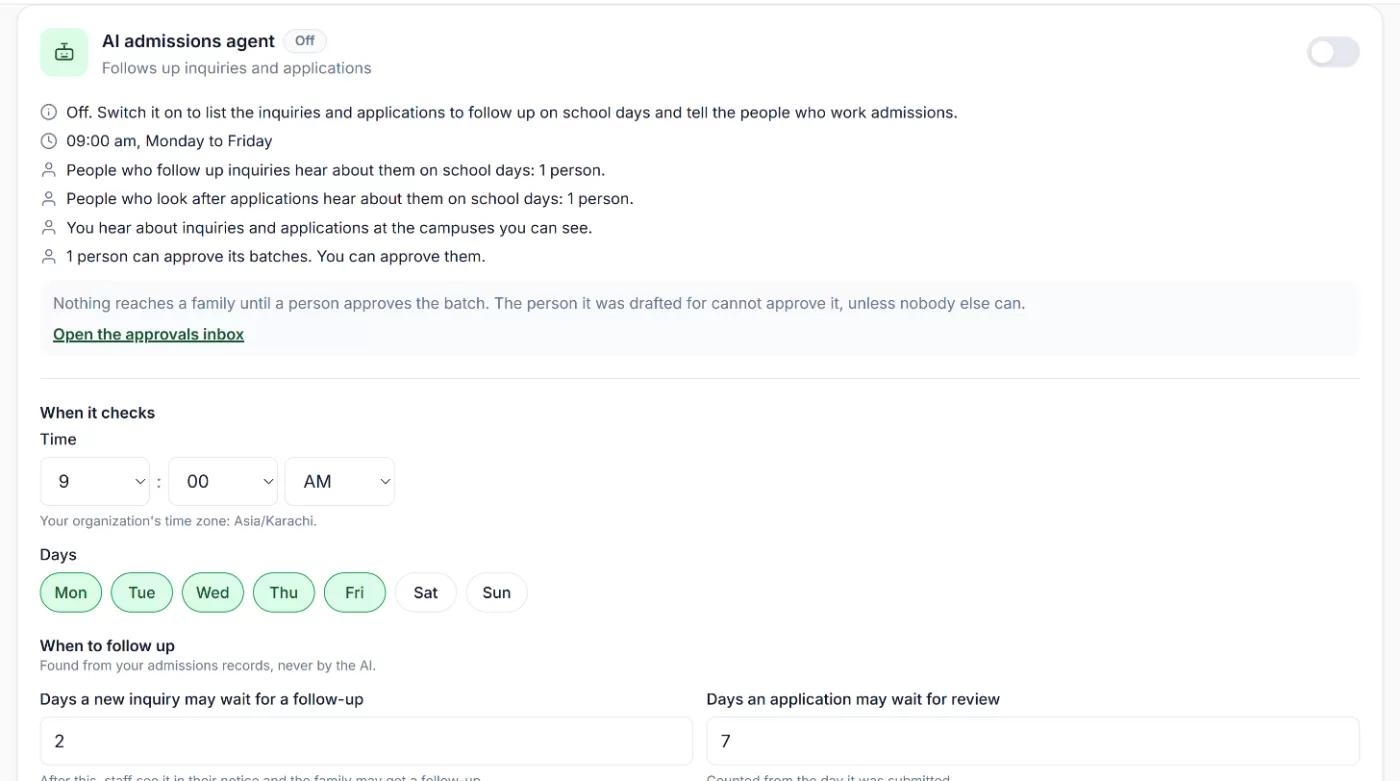
Open AI agents in the sidebar and find the AI admissions agent. By default the owner and School Admins can switch it on. It checks at 09:00 on Monday to Friday, and you can change the time and days. It acts for the person who switched it on and reads only the campuses, inquiries and applications that person can see.
Under When to follow up you set Days a new inquiry may wait for a follow-up, Days an application may wait for review, Days ahead to look for tests and interviews, Days an offer may wait for an answer and Days between two messages to one family. Under Who hears from it there are two switches, both on by default: Daily notices to the people who work admissions and Draft follow-up messages to families for approval. You can also limit the agent to some campuses and email the notices. Check admissions now gives you the list for every campus you can see at once.
The agent drafts one warm message for the families that need a follow-up, one item per inquiry or application. SkoolBro writes each family's next step itself from today's record and puts it in with {next_step}. For an inquiry: "We would be glad to answer your questions, show you around the school or help you apply." For an interview: "The admission interview is on Friday 13 November at 10:00." When an application has more than one thing due, the message is about the most urgent, with a test or interview first.
The AI is asked for three to five warm sentences that thank the family, include the next step and say the school office is happy to help. It must never promise a place, pressure the family, or mention fees, tests, interviews or offers itself.
The batch waits in Messages to approve. By default the owner, School Admins and Admission Officers can approve it, with the permission "Approve and send follow-up messages to families who asked about admission or applied". The person it was drafted for cannot approve it unless nobody else can. At approval SkoolBro checks each family again: an inquiry or application that moved on since the draft drops out, as does a family that had a follow-up in the last few days, and a moved interview goes out with its new time. Messages go by email to the parent named in the inquiry, or the application's primary contact.
Each sent follow-up is recorded on its inquiry or application. An inquiry is marked as contacted, and its follow-up date moves to the end of the gap between messages, so it comes back to staff if the family does not answer. The inquiries list shows "Message sent on" with the date, and each inquiry or application shows how many follow-ups went out. One inquiry or application gets at most three.
The model gets the rules, counts and whole days such as "3 days overdue", with each child as a placeholder such as [Applicant 1]. It never gets a child's or parent's name, an application number, a phone number, an email address, a date or time, or a campus or school name. SkoolBro puts the names back in the staff notices and fills in each family's message itself. The agents use Google's Gemini, as the privacy policy explains.
Oakridge Academy is a fictional academy with two campuses. On Thursday at 09:00, Ms Kowalski on reception gets a notice with two overdue inquiry follow-ups at the city campus. Mr Santos, the admission officer, gets both campuses' inquiries and applications, including an interview for Tomas on Friday at 10:00. He reads the five drafted follow-ups, checks the next step in each preview and approves them, and Tomas's parents get an email with the interview time.
The agent makes at most one AI call a school day, using one AI credit, and none when nothing is due. AI agents need the Growth plan or above; the Starter plan has no AI credits.
For how an inquiry becomes an application and then an enrolled student, read admissions or students: what is the difference?
People who follow up inquiries (by default the owner, School Admins, Admission Officers and Receptionists) and people who look after applications (the owner, School Admins and Admission Officers), each for the campuses they can see. Principals do not get it; the morning summary has an admissions part for them.
By email to the parent named in the inquiry, or to the application's primary contact. They never go in the app, because these parents have no SkoolBro login yet. SMS and WhatsApp are not connected yet.
At most three follow-ups about one inquiry or application, at least 7 days apart by default. You can set the gap from 3 to 30 days. After that, staff follow up in person.
Close the inquiry or withdraw the application. There is no separate "no messages" switch on inquiries and applications yet.
Why SkoolBro keeps applicants and enrolled students in separate lists, and how an application becomes a student in one step.

The AI administrator writes a short summary from your own records on school mornings and ends it with a "Needs attention today" list. You choose the time, the days, the parts, who receives it and the mark for a low attendance day.

A plain explanation of the AI workforce idea: what the SkoolBro assistant and AI agents do today, and where people stay in charge.